First, my apologies for falling off the blogging bandwagon. June got in the way. But I especially love the idea of Monday Hack Day–if Monday is hard, let’s make it a little easier by learning something fun and new, or at least a new thing to do on your iPad.
Today’s is one that took me a long time to discover, even though it was giving me a clue every time I jostled my iPad with enthusiasm. I would be typing along in an email and either set the iPad down or bump my elbow and this would appear:
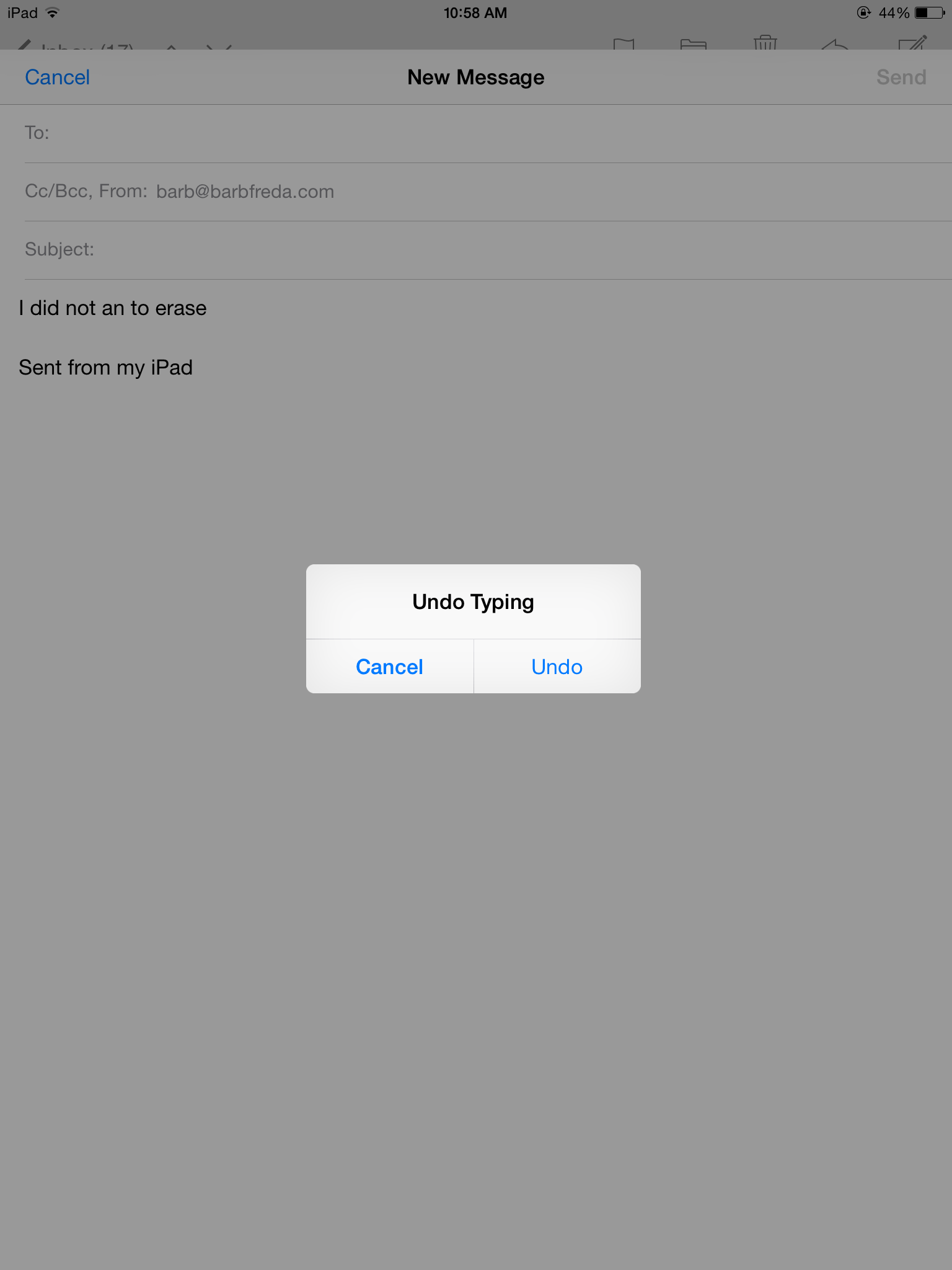
I always just selected cancel. But then I found out what it is actually for–say you have written an email, need to delete a paragraph, highlight and delete that paragraph, but then realize you deleted two MORE paragraphs than you really wanted to–lost for ever? Nope!
Just shake your iPad up and down one time. That screen above appears. Select undo and voila: everything you just erased now reappears.
It also works if you have typed things you don’t want there…one shake up and down, same window appears, select undo and your typing disappears.
That’s your Monday hack.
 techsideofthings